A sales activity dashboard for commercial tire managers.
What reps record on their phones shows up on your web dashboard: customers visited, inspection reports, tire performance and activity by rep.
How managers use the Tread Rep dashboard
Invite your reps
Add people from the dashboard, give each a role, and set the company letterhead every PDF will carry.
They work as usual
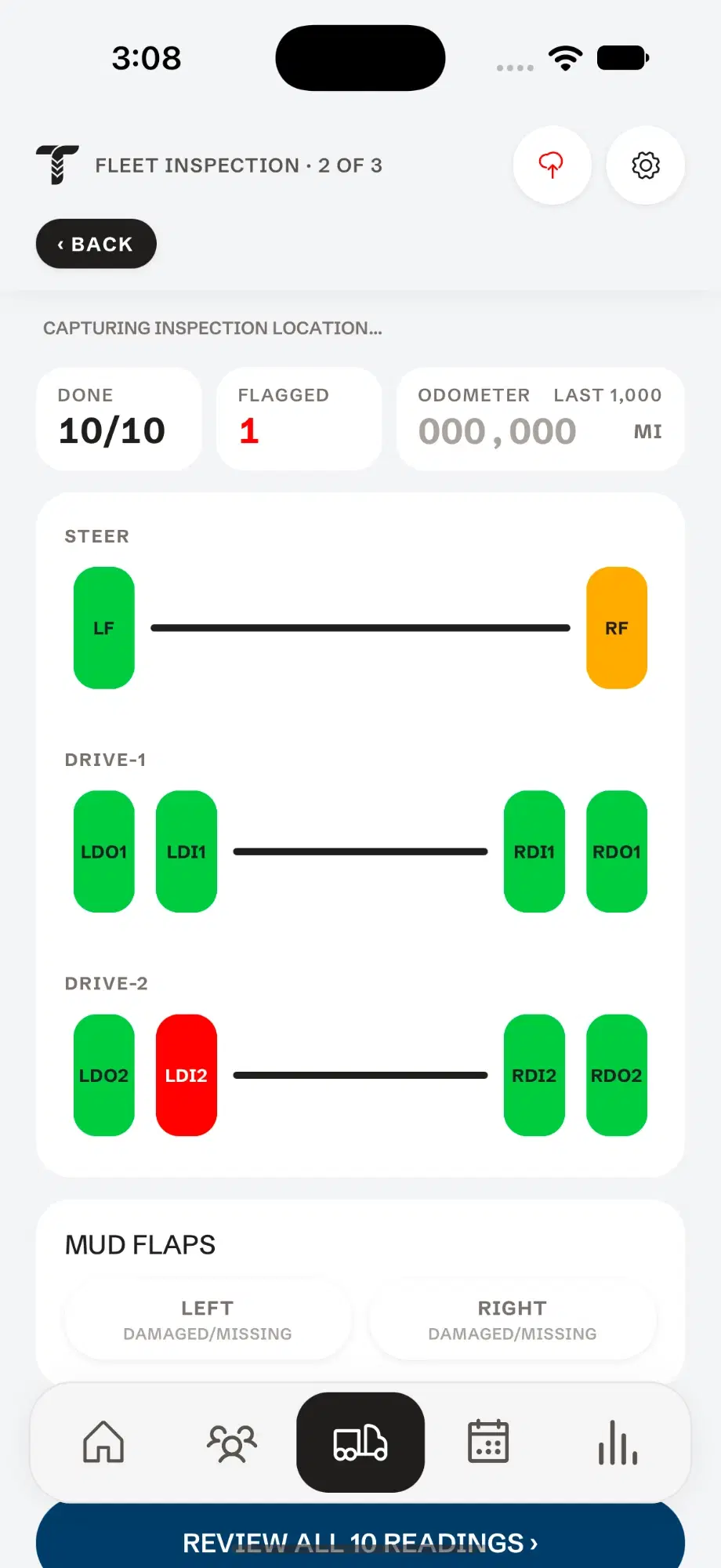
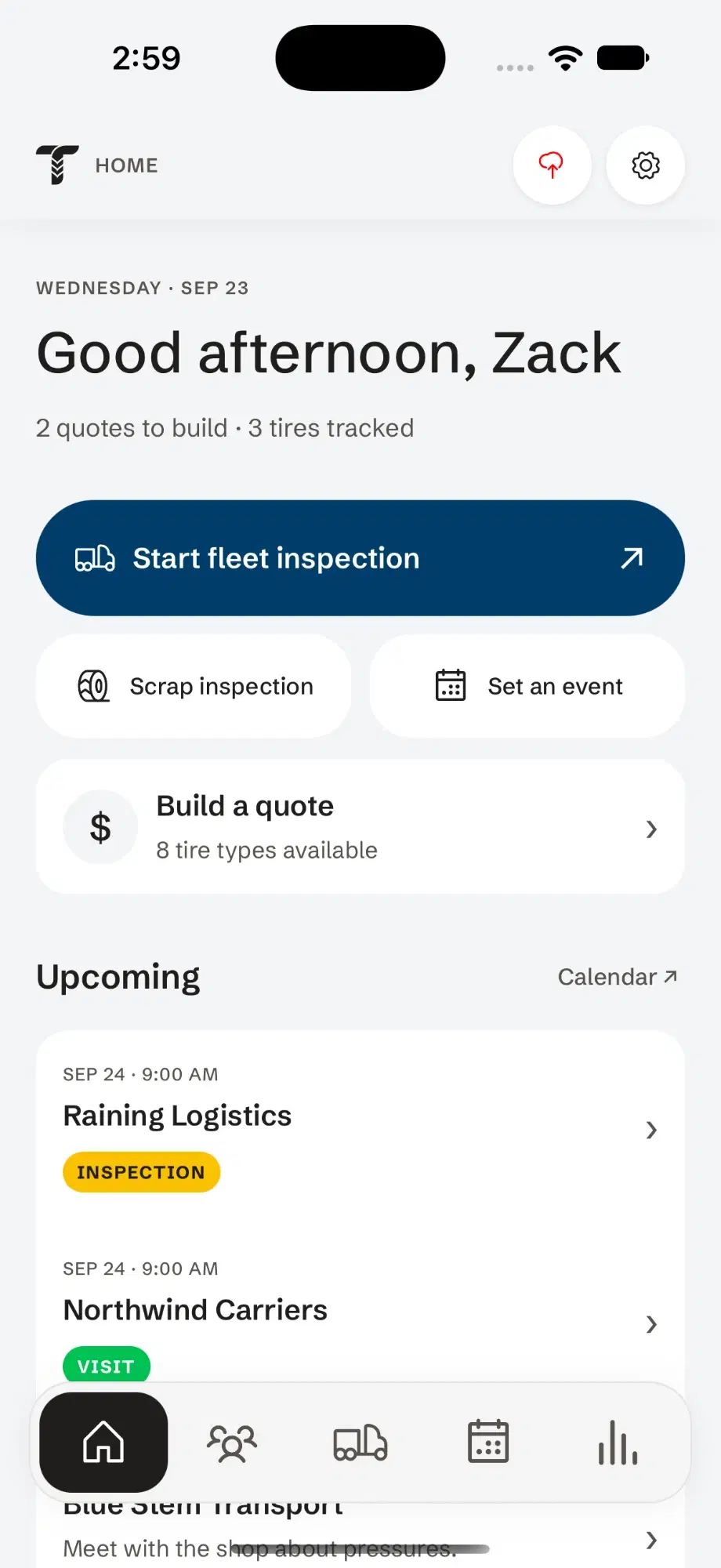
Inspections, quotes, visits and notes sync from each rep’s phone. Nobody fills in a separate report.
Review the week
The overview shows customers visited, new prospects and inspection reports. Filter by rep to see one person’s week.
Open any record
Click into a customer, an inspection report or a tire to review readings, flags and photo counts.
A rep files it on the phone. You see it on the web.
- Overview
- Customers
- Inspections
- Tire performance
- Rep activity
- People
- Billing
Rep activity, without the weekly call.
Review records synced from your reps’ phones. Refresh the dashboard to load their latest saved activity.
- Customers visited and new prospects, by rep
- Inspection reports and vehicles inspected per week
- Flags by type across every fleet
- Tread depth against mileage for tracked tires
Questions
How do I track my sales reps’ visits?
When reps log visits and inspections in Tread Rep, they appear on the dashboard under each rep, with no separate report to fill in.
Do managers need the phone app?
No. The dashboard runs in a web browser.
Can I see a rep’s inspection reports?
Yes. Every report a rep files opens on the dashboard with its readings, flags and photo counts. Open photographs in the phone app.