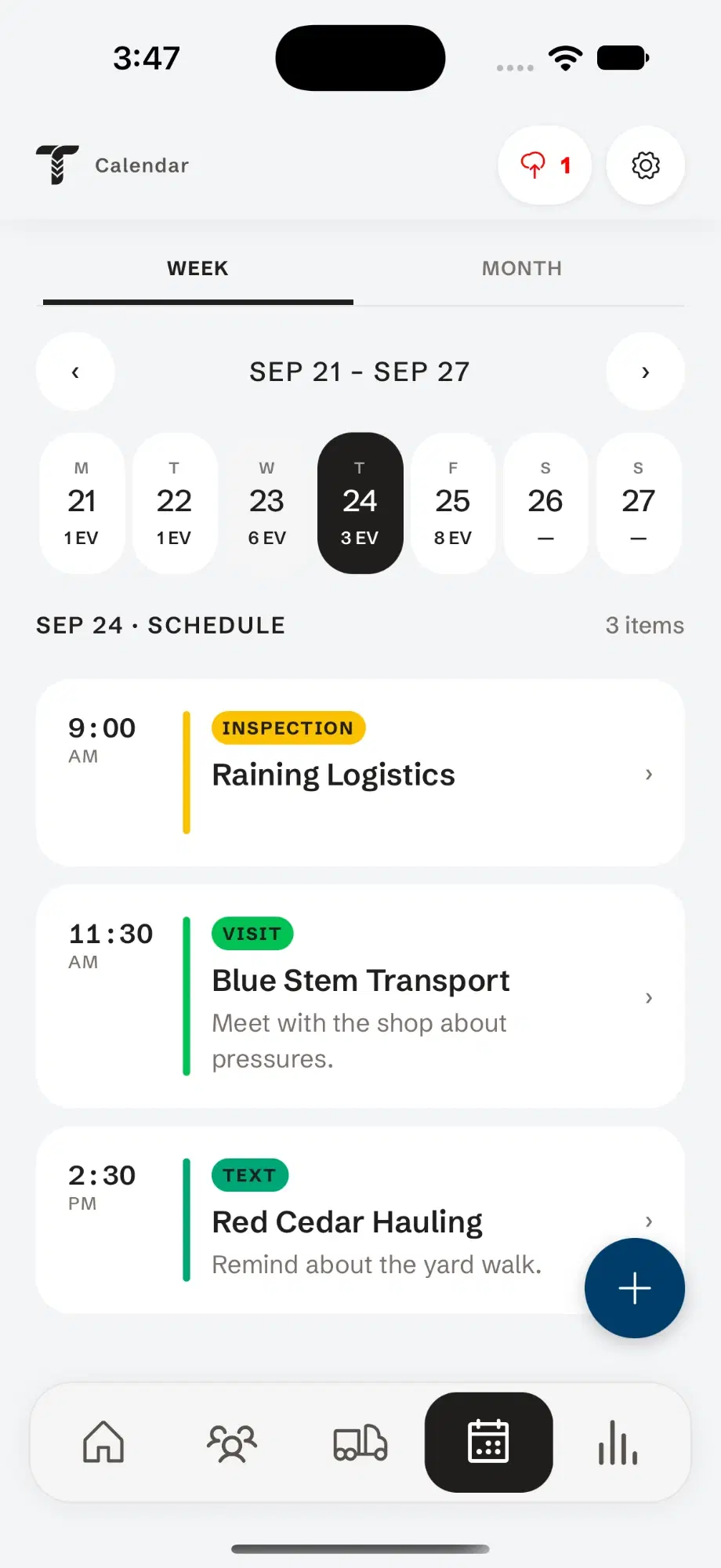
A CRM for commercial tire sales accounts.
Add the customer, their people and their trucks once. Every inspection, quote, call and note you log lands on the same account.
How to set up a fleet account in Tread Rep
Add the account
Tap Add account and file it as a customer, a prospect or a vendor.
Add contacts and units
Add the people you deal with, and each truck and trailer by unit number.
Set their requirements
Record how often you visit, and notes on how they like things done.
Work from the account
Log a call, visit, email or text, and start a fleet or scrap inspection right from the account.
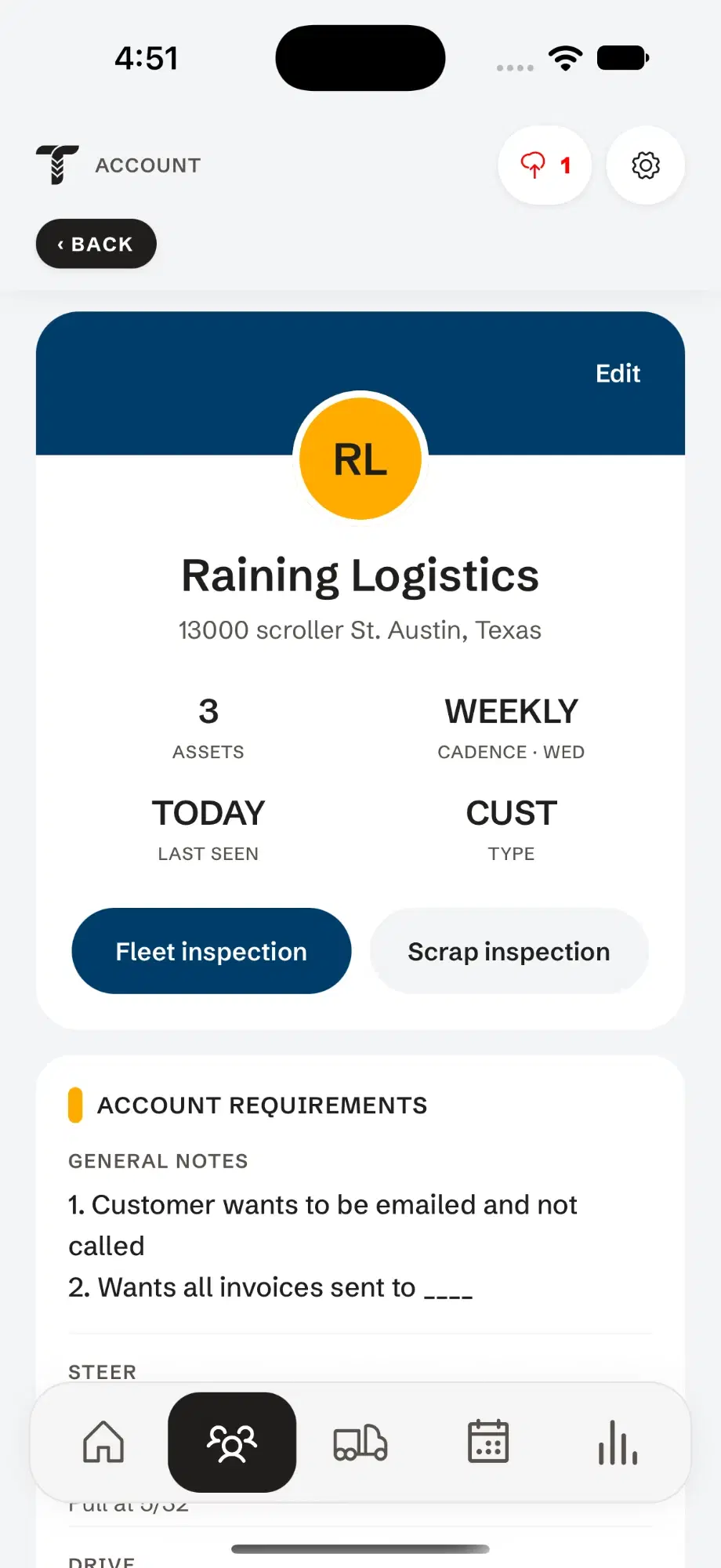
What you see when you open a fleet.
- 1Fleet size & last visitUnits on file, and when you were last there.
- 2Visit cadenceHow often, and on which day.
- 3Start from hereFleet or scrap inspection, already pointed at this account.
- 4Requirements & notesHow they like to be handled.
The whole history, before you knock.
Open the account in the truck and you know what they run, what you found last time and what you promised.
- Contacts, units and account notes
- Past fleet inspections, scrap analyses and quotes
- Calls, visits and notes, newest first
- When you were last there, and whether they’re overdue
Questions
Is Tread Rep a CRM for tire dealers?
It covers what a commercial tire rep uses a CRM for — accounts, contacts, activity and follow-ups — and adds tire inspections, scrap analysis and quotes, which a general CRM does not have.
Can I keep prospects separate from customers?
Yes. Accounts are filed as customers, prospects or vendors, and the list filters by each. You can inspect a prospect’s fleet before you’ve won it.
What happens to my accounts if I get a new phone?
They sync to your Tread Rep account, so signing in on the new phone brings them back.