
Commercial tire sales CRM.
Built for reps and managers.
Inspect fleet and scrap tires, build quotes and keep customer accounts on your phone. Review your team’s visits, inspections and tire performance in the manager dashboard.
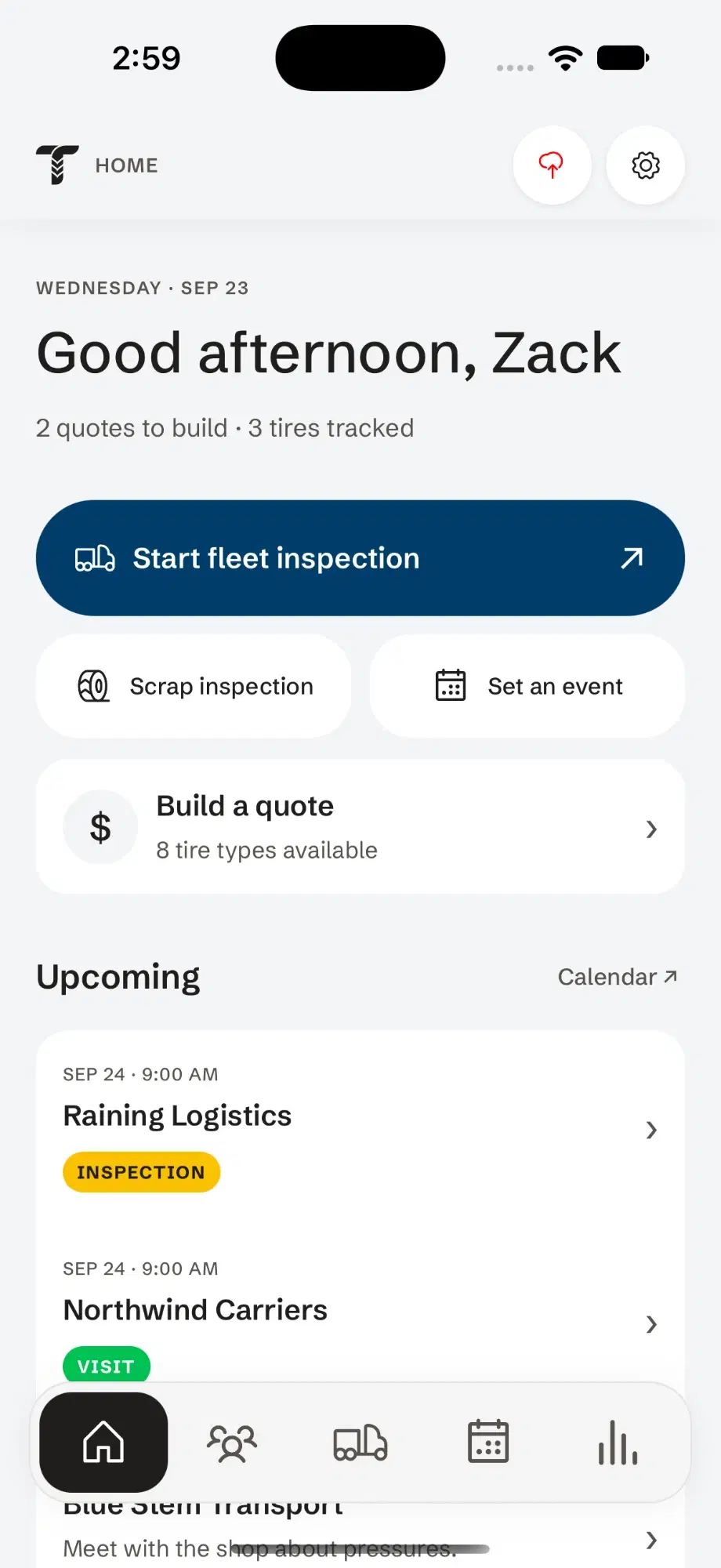
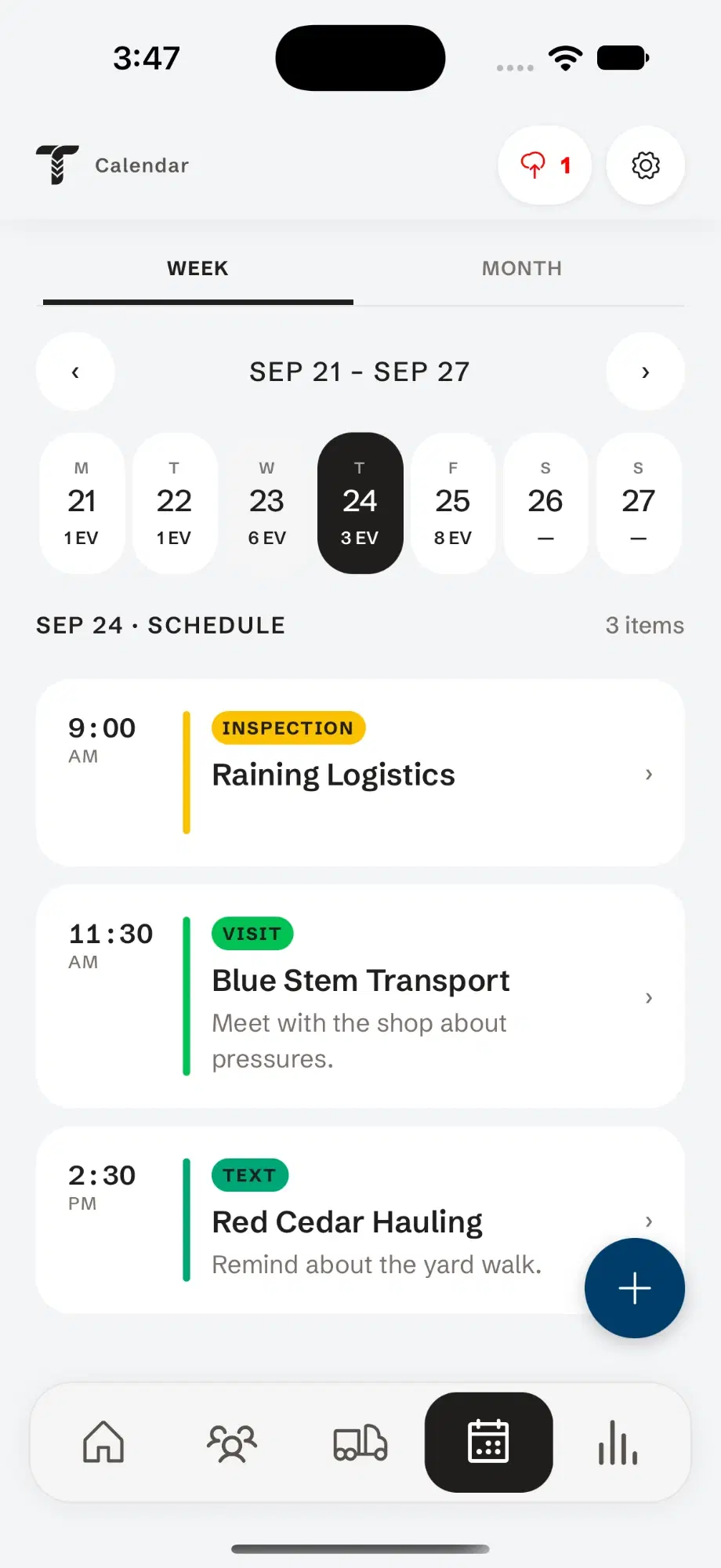
Inspections on a clipboard. Customer notes in another app. Tire performance tests in a spreadsheet. Tread Rep puts it all in one place, so the day goes to selling, not searching.
Walk the fleet without the clipboard.
- 01
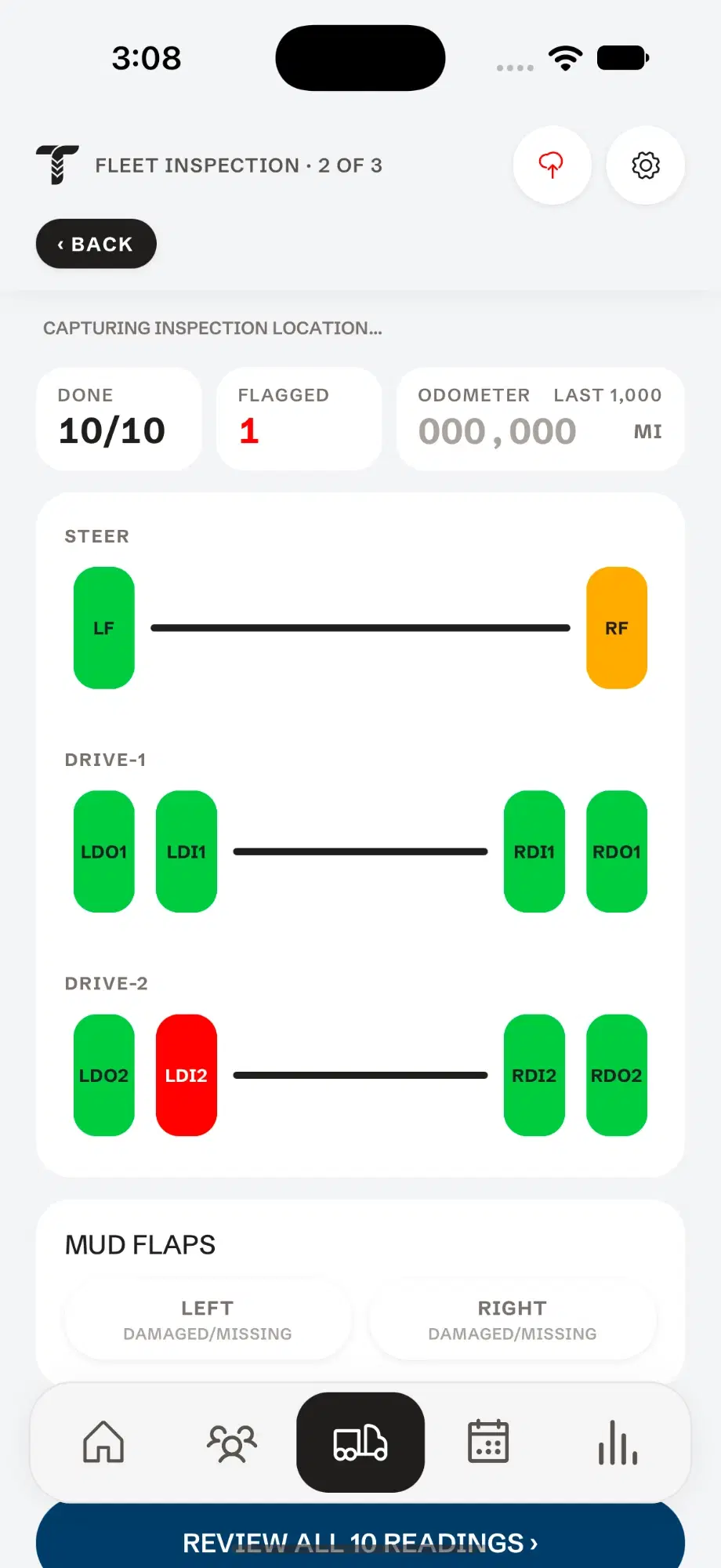
Every axle, drawn the way the truck is built.
Steer, drives and trailers laid out position by position. Tap a tire and its readings open right there.
- 02
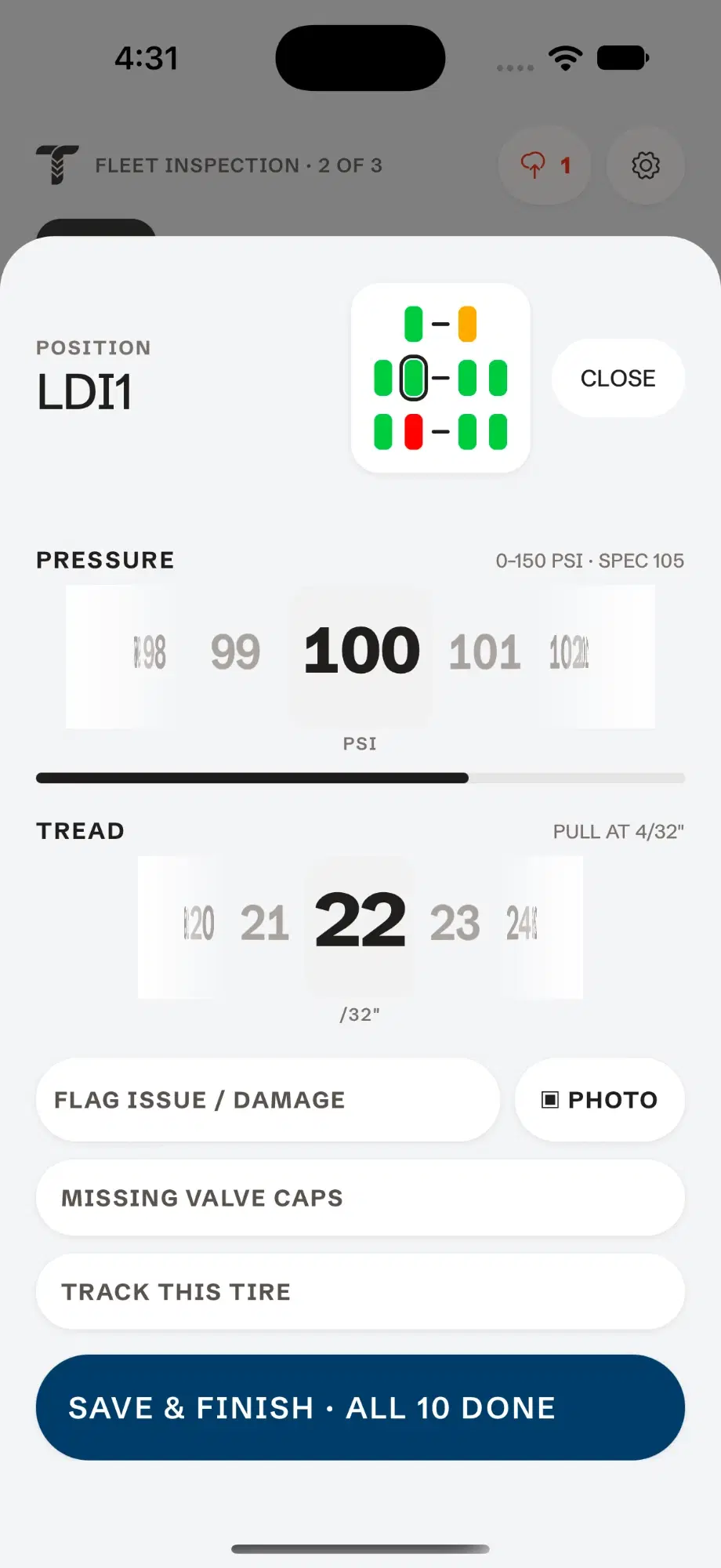
Dial in the pressure.
Spin the dial to the reading. The gauge range and the tire’s spec sit right above it, so you know at a glance whether it wants air.
- 03
Then the tread depth.
The same dial, in 32nds. The pull point sits beside it, and damage, photos, valve caps and tire tracking are one tap below.
- 04
Read the whole truck at a glance.
Green passed. Amber wants air. Red needs work. What’s done and what’s flagged stays pinned to the top, and every reading gets one review before the report is filed.
Try it — tap a tireDone0/10Flagged0STEERDRIVE-1DRIVE-2Mud flapsPOSITIONLFPRESSURE0–150 PSI · SPEC 110PSITREADPULL AT 4/32"/32" - 05
Don’t forget about missing or defective mudflaps.
Missing or defective mudflaps are one of the easiest violations to spot while a truck is in motion. Mark each side right on the inspection.
Know every account, and when to be there next.
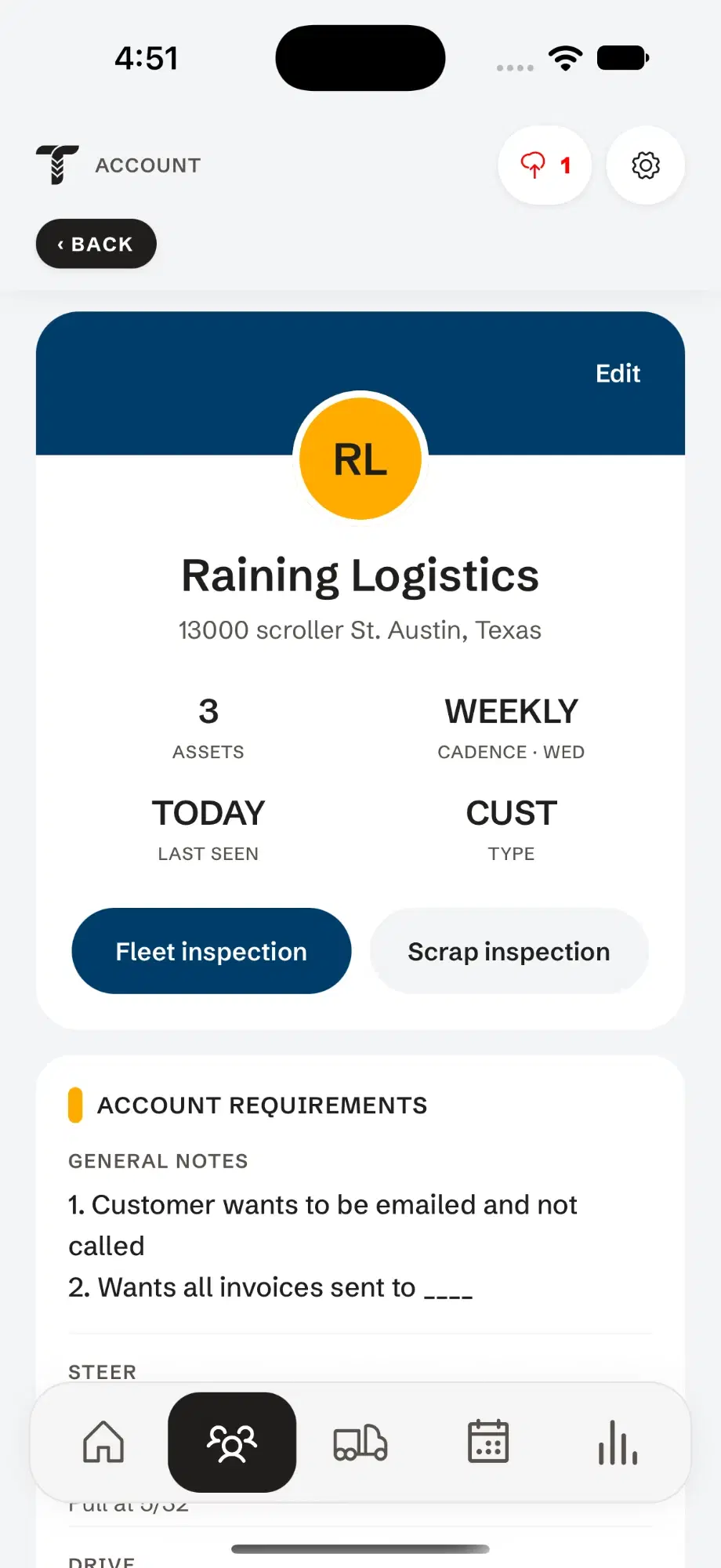
Keep each customer’s fleet, contacts and history together, and let the calendar tell you who to see.
- Calendar & eventsInspections, visits and follow-ups on one schedule.
- Know when to visitSee which customers are due for a visit before they’re overdue.
- History with every clientEvery inspection, note and event, kept with the account.
- A database of every fleetCustomers, contacts, units and tires, ready on the next visit.
Scrap piles and tire tests, in the same app.
Scrap inspections
Work through a pile of pulled casings one at a time — retread, warranty or scrap — and keep the history.
Explore scrap inspectionsTire performance tests
Track wear on the same tires visit after visit, and compare how one tire holds up against another.
Explore tire performance testsSee what every rep on your team is doing.
The manager dashboard is built from the same records your reps save in the app — nothing re-keyed, nothing chased down by phone.
Appointments
See what’s on each rep’s calendar — inspections, visits and follow-ups.
Accounts visited
How many accounts each rep has visited, and which customers haven’t been seen.
Inspections & tire performance
Every report and reading your team records, with tire performance compared across brands.
Control who sees what
Decide what information each person on your team can see.