A visit schedule for every customer.
Set how often each fleet should see you. Tread Rep puts the visits on your calendar, reminds you, and shows who’s overdue.
How to plan customer visits in Tread Rep
Set a visit cadence
On the customer, choose weekly, every two weeks or monthly, and the day. The visits appear on the calendar.
Add anything else
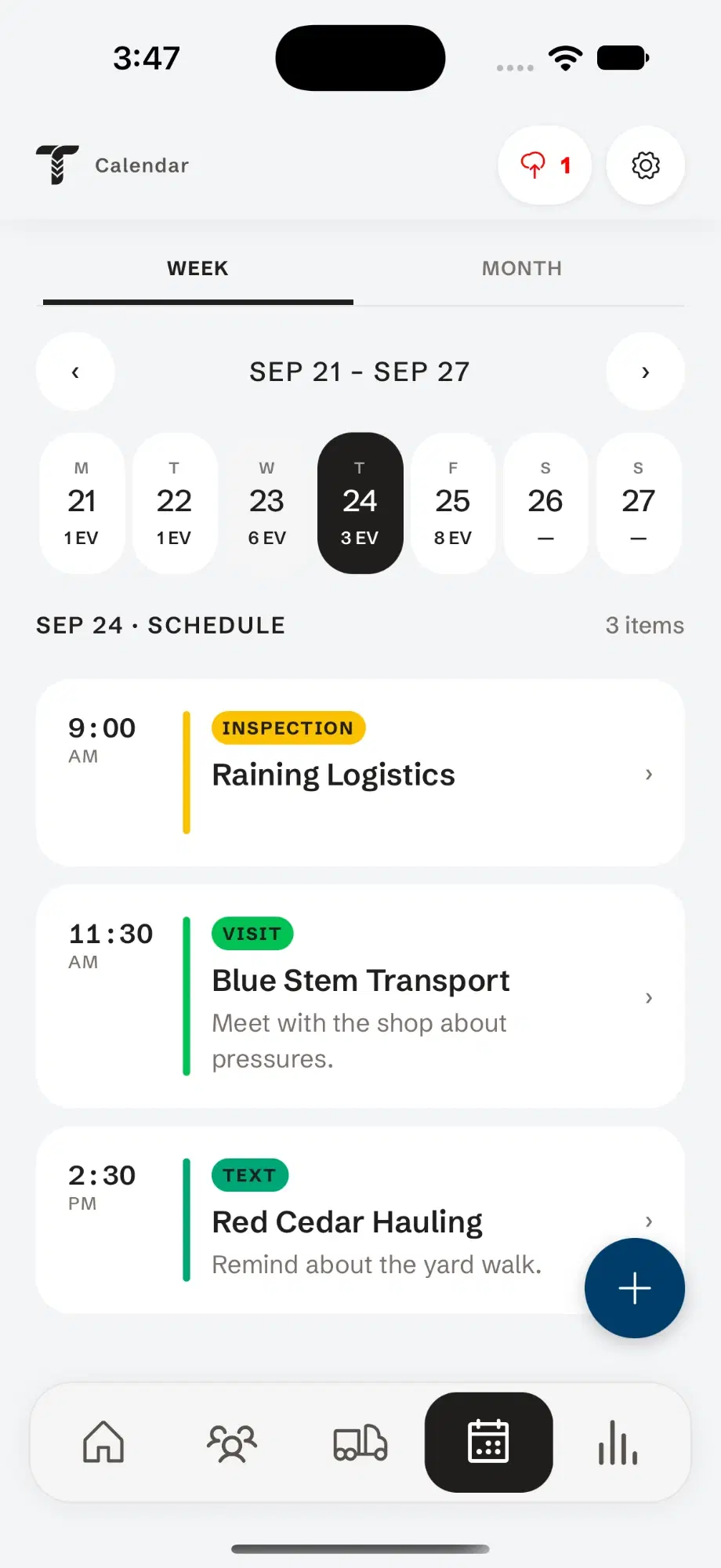
Tap Add event for a visit, call, email, text or inspection, pick who you’re meeting, and make it repeat if it’s regular.
Plan the week
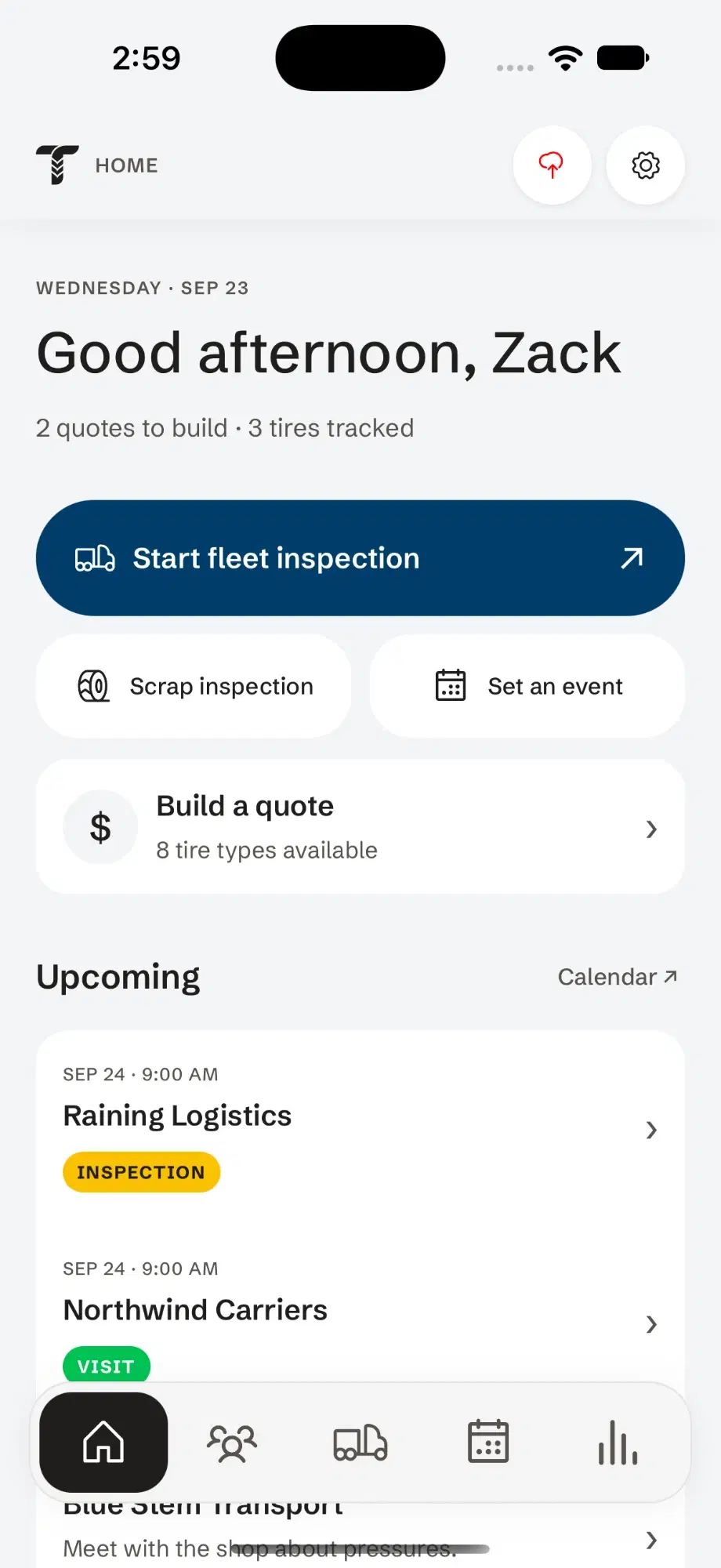
Switch between week and month, and tap a day to see its events in time order. Today’s visits are on the home screen.
Follow up
Turn on reminders to get one before each event. Tap an event to open the customer, then start the inspection or log what happened.
Pick a cadence and watch the visits book.
Choose how often and which day. That’s the whole setup — Tread Rep puts the visits on the calendar and tells you when a customer is overdue.
The next twelve weeks. Each dot is a visit on the calendar you can still move.
Know who to see next.
A customer visit schedule without the spreadsheet — kept honest by the visits you actually log.
- Today’s visits on the home screen
- Overdue customers flagged against their last real visit
- Every event opens the account it’s for
- Reminders on your phone before each event, if you want them
Questions
How do I keep a customer visit schedule without a spreadsheet?
Set a visit cadence on each customer in Tread Rep. The calendar books the visits, and the account shows when you were last there.
How does Tread Rep know a customer is overdue?
It checks each customer’s cadence against the last visit you actually logged, not the last one you planned.
Does it plan driving routes?
No. Tread Rep plans who to see and when; your maps app handles the drive.