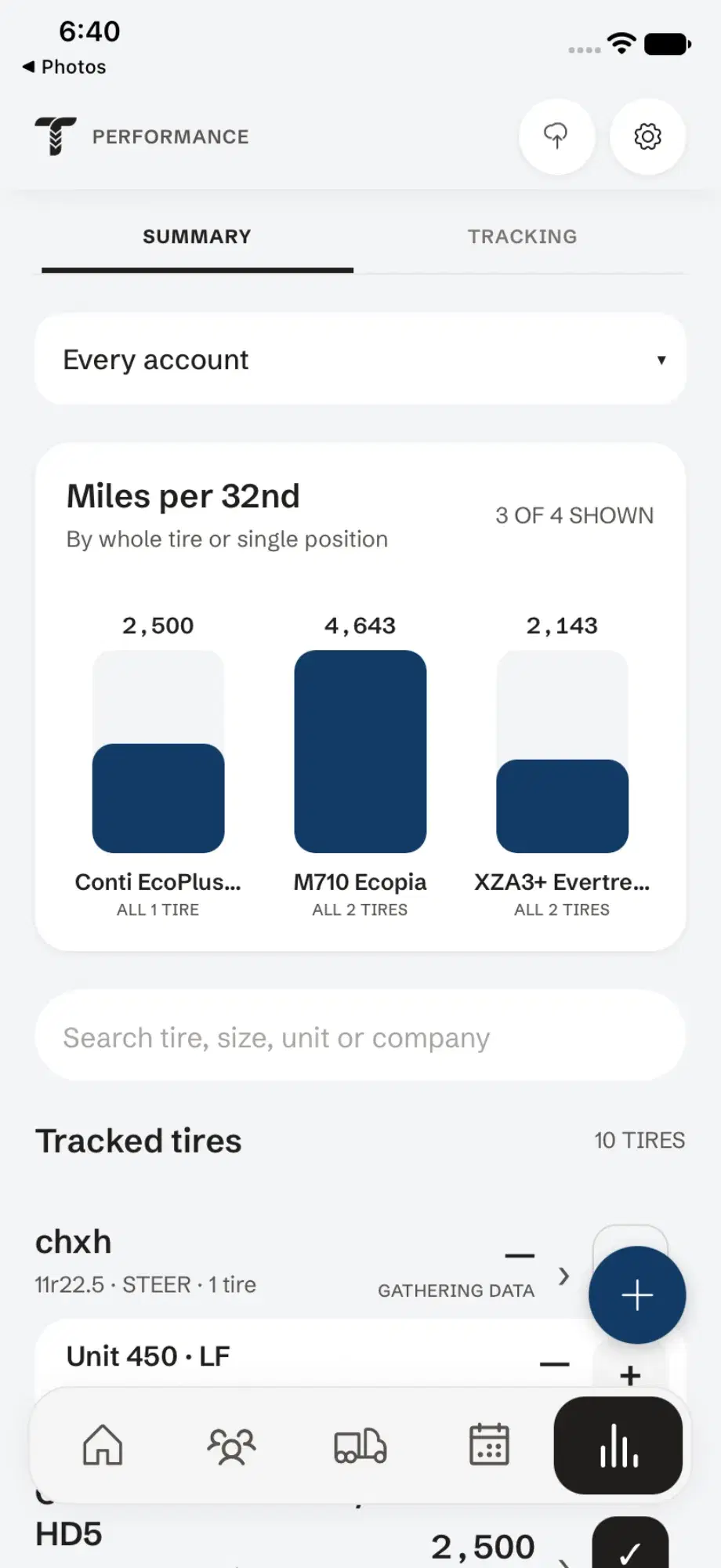
Scrap tire analysis, one casing at a time.
Go through the customer’s pile of pulled tires, record why each casing came off, and mark it retread, scrap or warranty. Share the PDF when you’re done.
How to run a scrap tire analysis in Tread Rep
Start the inspection
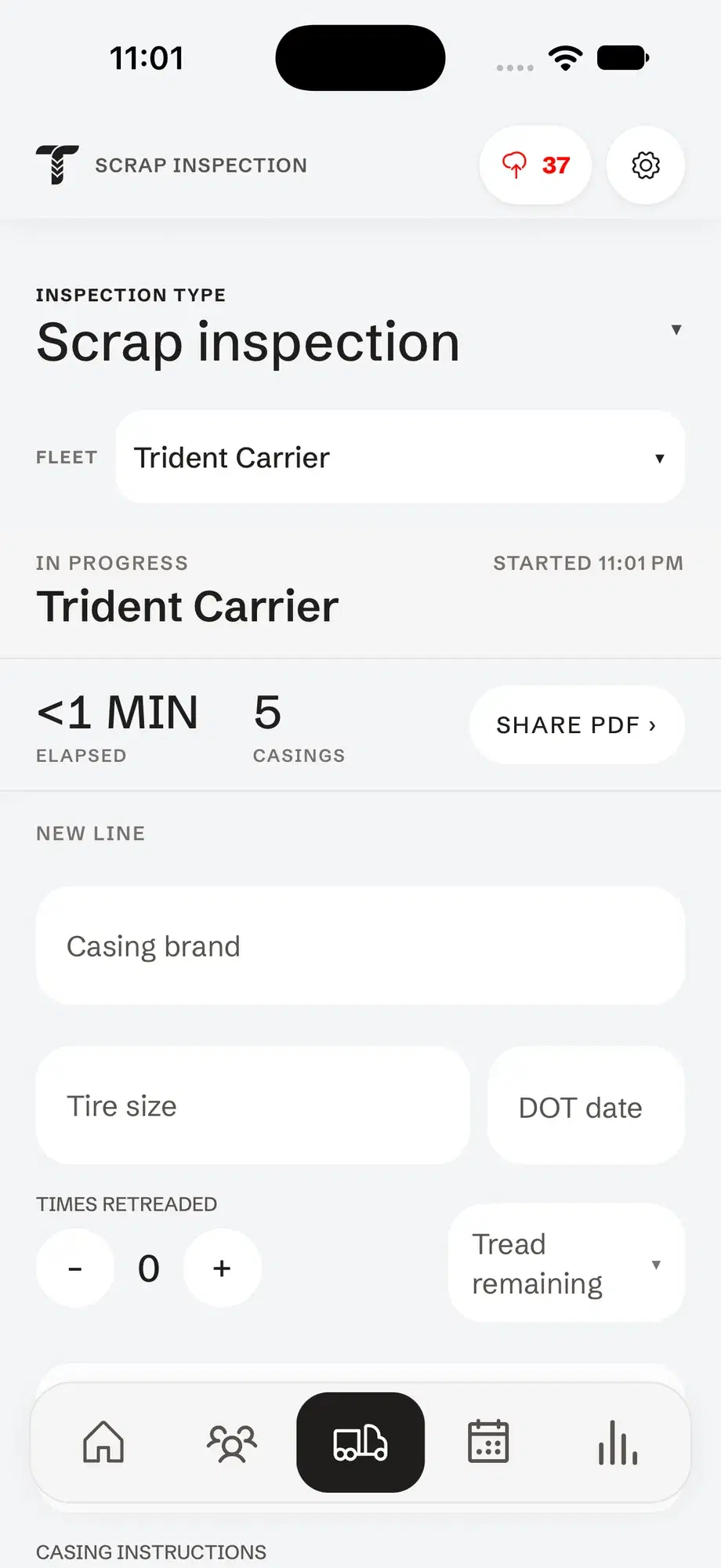
Open the customer and tap Start scrap inspection. The clock starts, so the report shows how long the pile took.
Log the casing
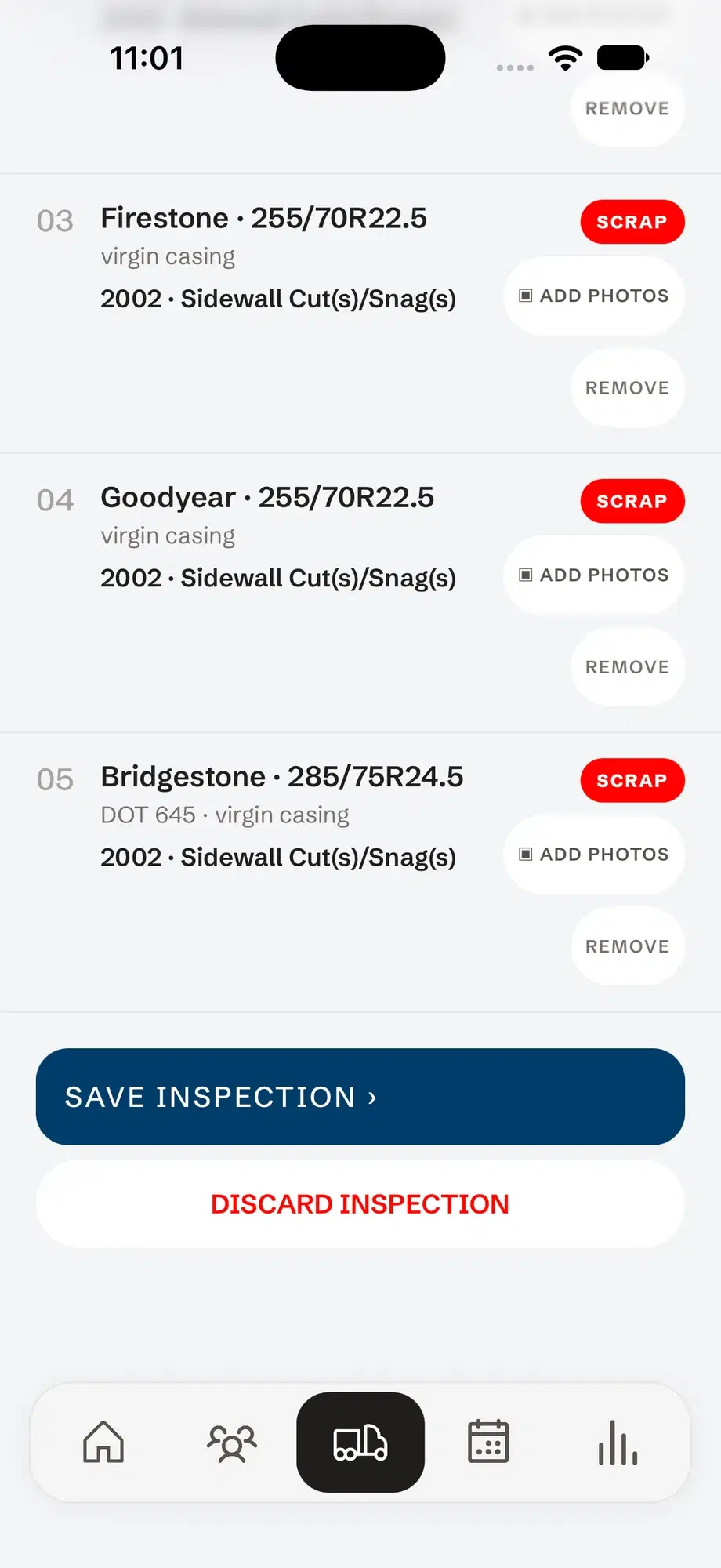
Pick the brand and size, then add the DOT code, tread left and how many times it’s been retreaded. Add photos or a comment if it needs one.
Give the reason and the call
Choose the out-of-service code from the list, mark the casing Retread, Scrap or Warranty, and add it. Then on to the next tire.
Save and share
Save it to the account and share the scrap analysis PDF. Stop halfway and the casings wait on the account until you come back.
Sort the pile: retread, scrap or warranty.
Tap a call for each casing, the way you would at the customer’s pile. In the app, each one also gets an out-of-service code from these groups:
- Operation
- Service
- Casing
- Fleet specifications
- Repair
- Retread
A scrap tire analysis they can read.
One report per pile instead of a spreadsheet — on your letterhead, with a row for every casing.
- One row per casing: brand, size, DOT, tread left and retreads
- The out-of-service finding and the disposition for each
- Every photo, numbered to its casing
- When the inspection started, finished and how long it took
Questions
What is a scrap tire analysis?
A look at every tire a fleet has pulled from service, to find out why each one came off. Patterns in the reasons — air pressure, road hazards, repairs, irregular wear — show what is costing the fleet casings and retreads.
What goes on a scrap tire analysis form?
Brand, size, DOT code, tread left, how many times it was retreaded, the reason it was removed, and what happens to it next. Those are the fields Tread Rep asks for on each casing.
How are out-of-service reasons grouped?
Tread Rep’s code list is grouped by cause: operation, service, casing, fleet specifications, repair and retread. You pick a code instead of typing a reason, so every analysis reads the same way.